
FREE Mobile Bus Route App - FirstView
Flint Community Schools provides transportation for scholars residing outside the walk zone. For information on specific routes, please get in touch with your child's school or the transportation department at (810) 776-0015 or click on the links below.
Bus Routes
Install the FirstView App for FREE
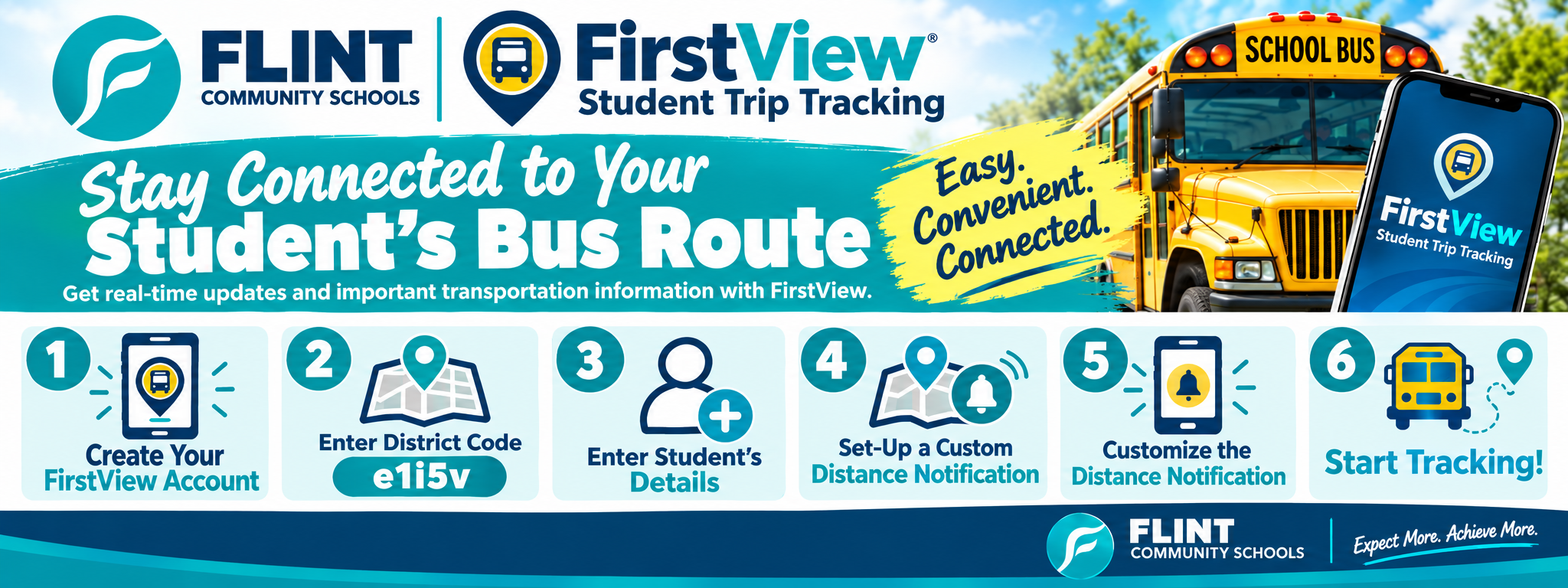
Here are step-by-step instructions for downloading and setting up the FirstView app:
Download the App: Go to the app store on your phone (Google Play Store for Android or App Store for iOS). Search for "FirstView" app. Select the app from the search results and click "Install". You can also download the FirstView app by visiting myfirstview.com.
Create an Account: When creating an account, users must enter their Email, Choose a Password, First Name, Last Name and Phone Number. By registering for and using the FirstView account, you also consent to FirstView's Terms of Use and Privacy Policy.
Enter District Code: Enter the 5-character district code. Flint Community Schools - e1i5v.
Adding Student Information: Flint Community Schools will now be displayed at the top of the screen. Enter in your student's ID number and their last name. Confirm the student you would like to follow.
Set-Up a Custom Distance Notification: Once your student has been added, you will be asked to set-up distance notification alerts for their trips. A distance notification is an alert you will receive when the bus is near you student's stop location. Notifications are sent via push alert and displayed in the app's notification center.
You will configure the distance notification by clicking on the "Set Distance Notifications" button on the map or by going to Settings > Notifications > Manage Distance Notifications.
Customize the Distance Notification: First, set your notification pinpoint, which is typically the student's stop address, to serve as the center of your notification zone. You can name this notification and select an icon to help distinguish it. Next, adjust the notification area to ensure the alert is triggered only when the bus enters your specified area. Lastly, assign it to your student's trip. You can also customize the time range for the alert, ensuring you only receive a notification when the bus is approaching your student's stop, not when it's passing by for an earlier pick-up or drop-off.
Start Tracking: By tapping on the student's circle icon and swiping up, you will see the trip information for the student's current/upcoming trip.
Bus location on the map is real time
Trip status
Pick-up address with distance notification time
Drop-off address with planned/arrived times
Bus number and run number
These instructions will guide you through the process of installing and setting up the FirstView app specifically for use with Flint Community Schools. Remember to check all entered information for accuracy before completing the setup.
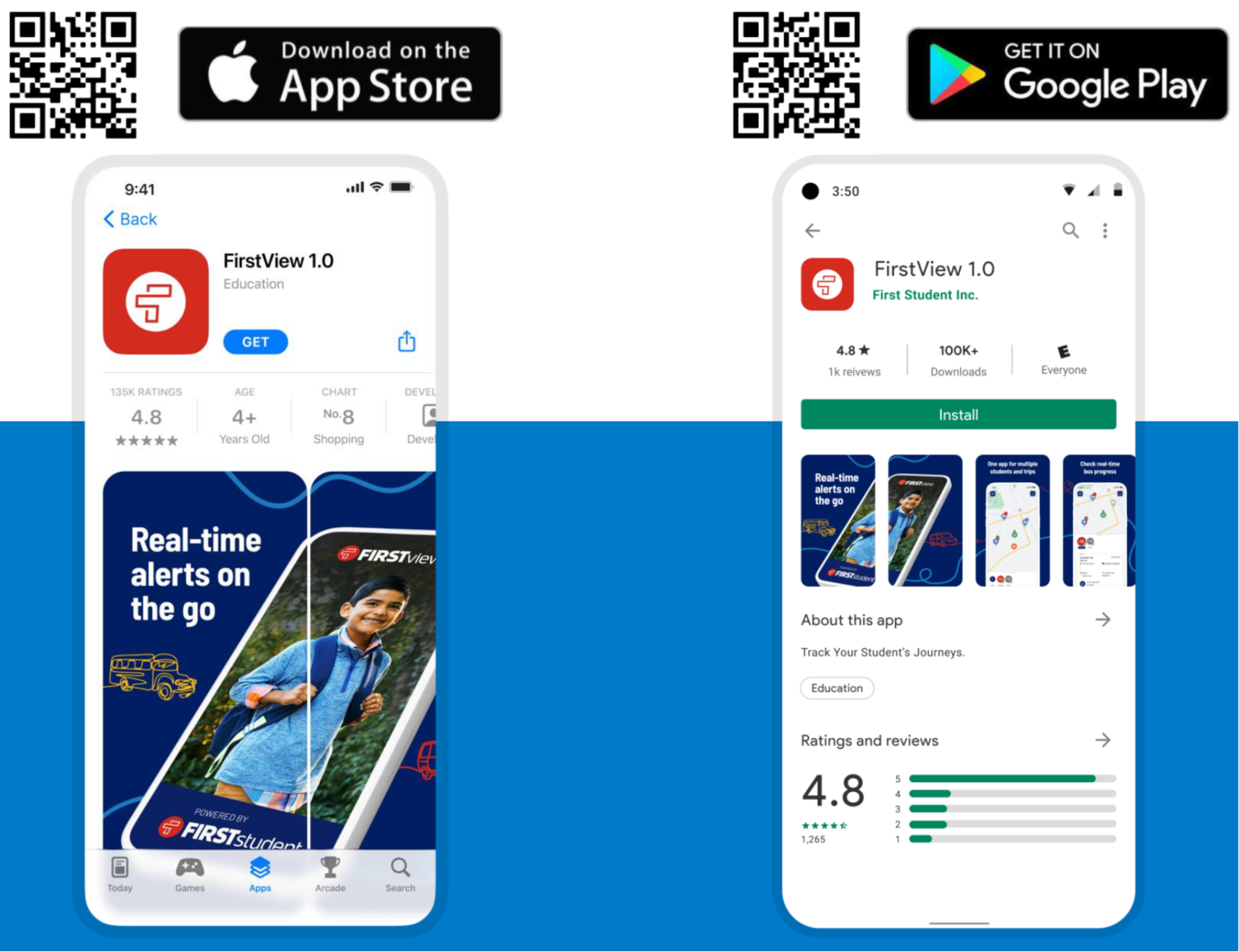
Click on the buttons below to download the FREE Mobile App
Google App Store

Apple App Store

FirstView - Bus Route Information
Designed with parents, for parents – FirstView®, powered by First Student, makes you a part of your student’s journey. To school. From school. Every day.
FirstView® is your resource for knowing the location of your student’s bus, estimated arrival times at your student’s stop and when your student’s bus arrives or departs their school. FirstView® is a partnership between First Student and Flint Community Schools, bringing increased transparency and communication about the school bus for students and their families.
Dedicated Customer Support
Contact FirstView® Monday – Friday by: Calling the toll-free phone number 888-889-8920 from 7:00 a.m. EST to 5:00 p.m. EST; Emailing Customer Support at support@firstviewapp.com; or Using the In-App messaging to provide feedback.
Live Tracking: The FirstView® map screen shows you the live location and direction of your student’s bus, your student's stop schedule for the current day and timestamps for school arrivals and departures.
Predictive Stop Arrival Times: Analyzing route and real-time GPS data, we determine an estimated time of arrival to your stop provided on the FirstView® map.
Custom Alerts and Messages: Set up push or email notifications alerting you when your student's bus is a chosen distance or number of minutes away from your stop. Receive push messages about why your student’s bus is late and an estimation of how long it will be delayed.